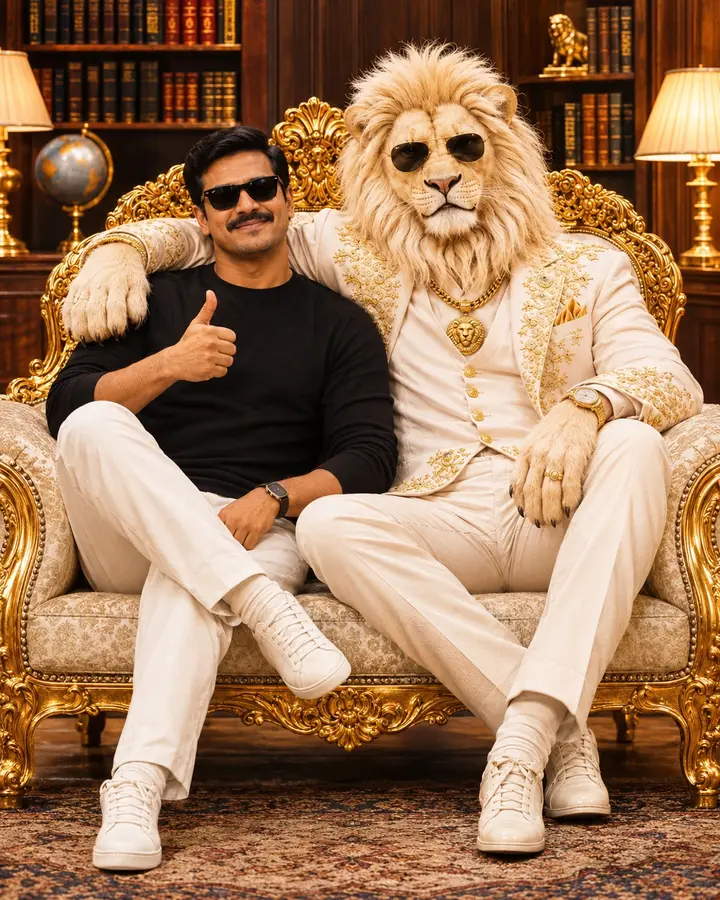
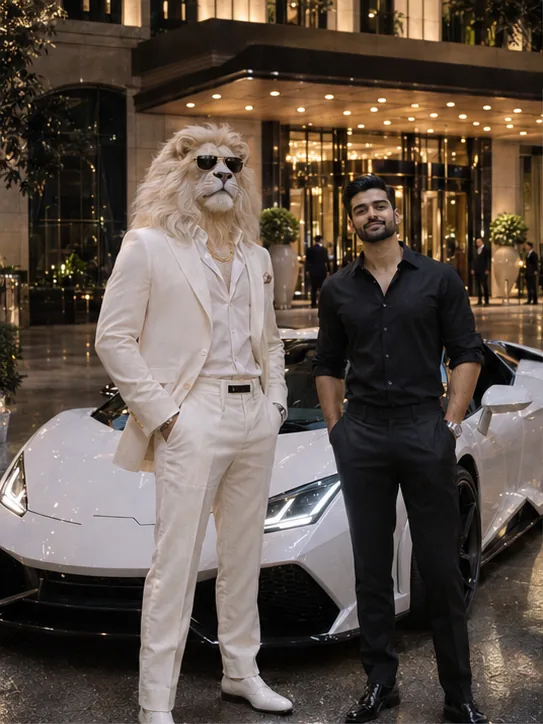
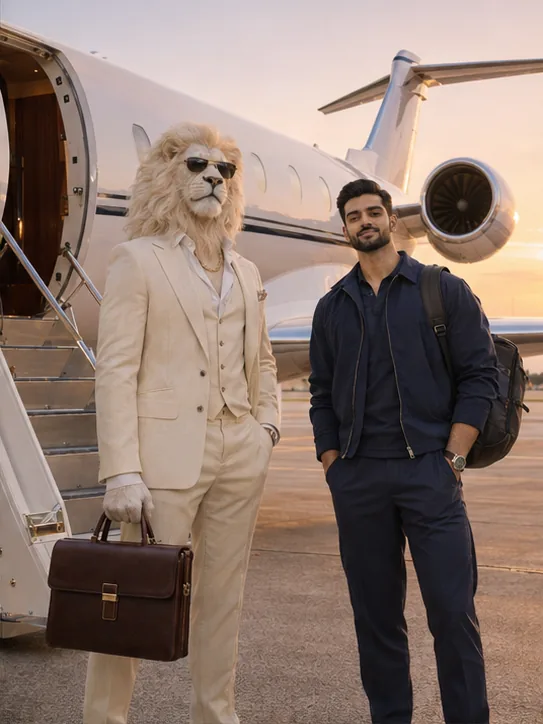
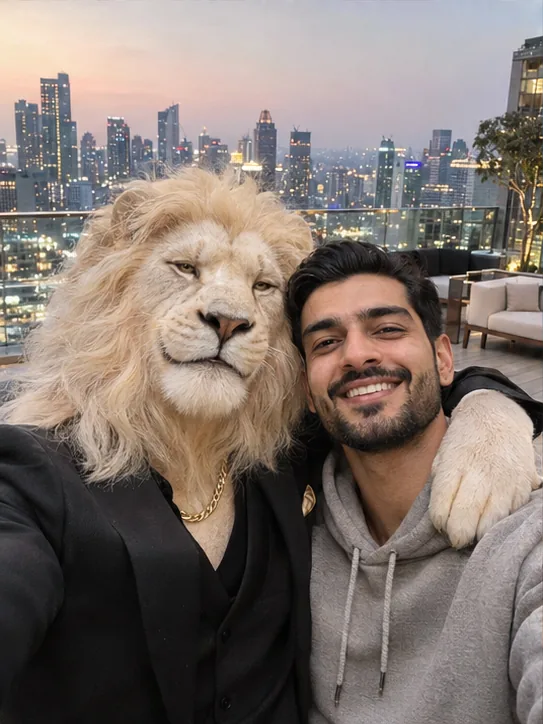
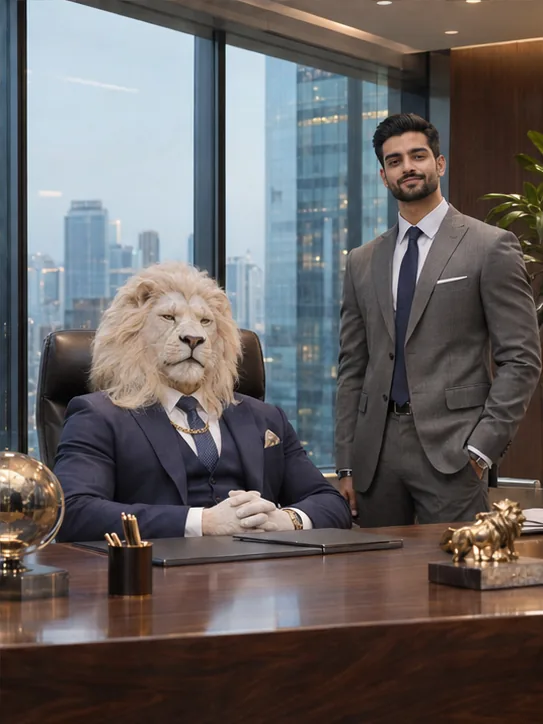
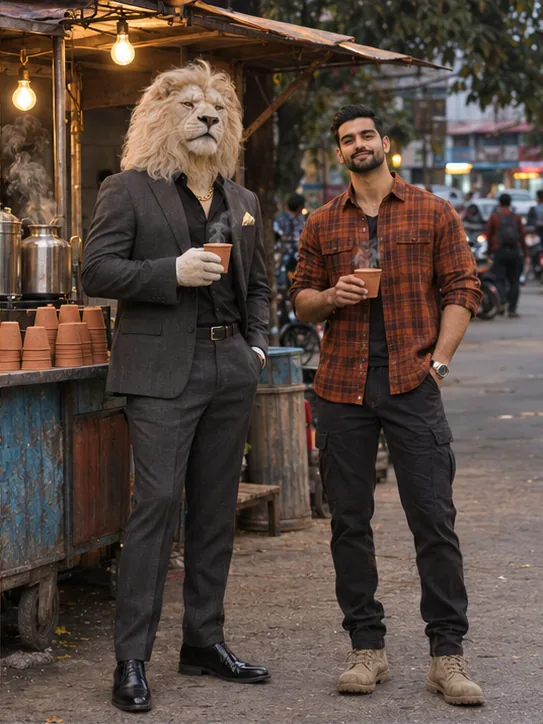
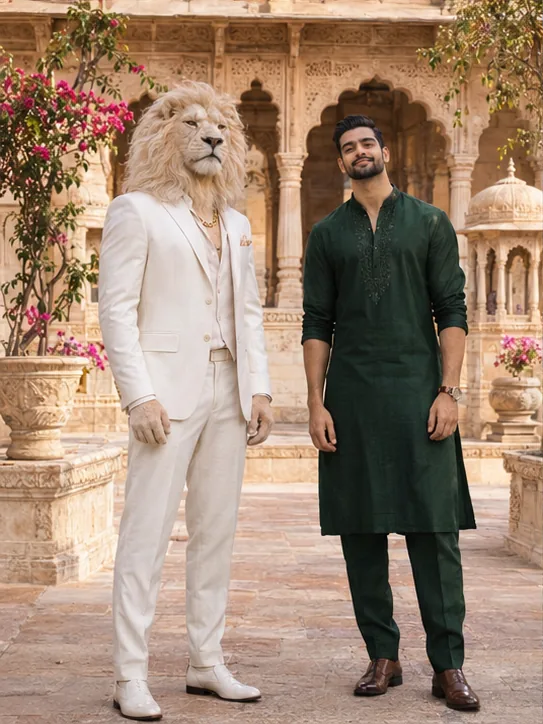
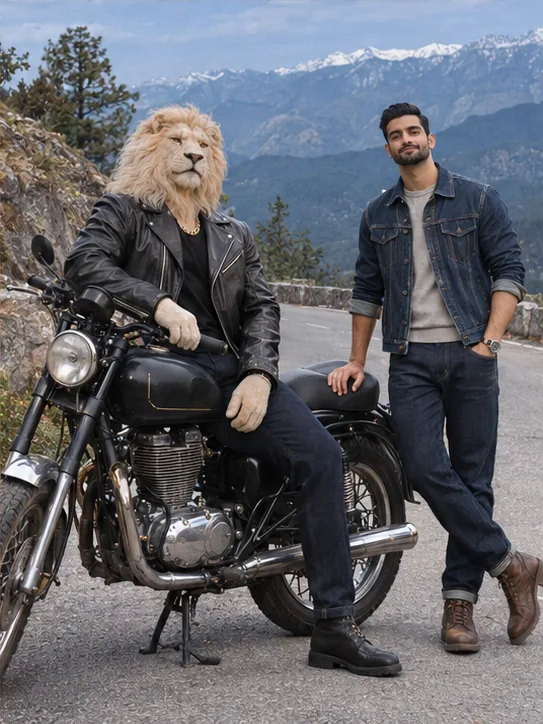
Sheru Bhai photo is a 3:4 or 9:16 vertical AI still portrait created from your uploaded photo, with your face remaining human beside a separate fictional lion.
Upload your portrait, choose a scene, and create your own lion companion photo — no prompt needed.
THE PHOTO STUDIOOne photo. $1.99.
1
Start with your photo
2
Pick your main character moment
YOUR NEXT PROFILE PHOTOAI style preview
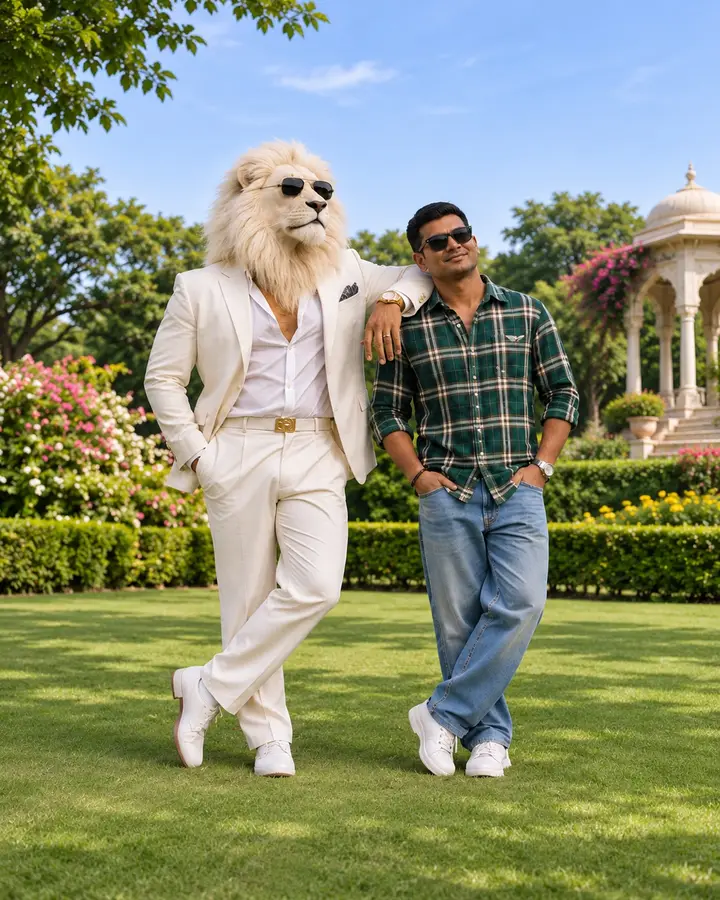
Sheru Bhai Photo — Garden White Lion
Sample photoSheru Bhai Photo — Garden White Lion
A white suit, a green plaid shirt and a relaxed garden pose.
Template preview. Your generated image will use your uploaded photo; facial details and other elements may vary.
By clicking Generate, you confirm you’re 18+, have permission to use this photo, and agree to the terms.
3:4 portrait · Ready to post on social media · No watermark
$1.99 USD per image · No signup · One-time payment
How to Create Your Portrait
1
Step 1 — Upload Your Photo
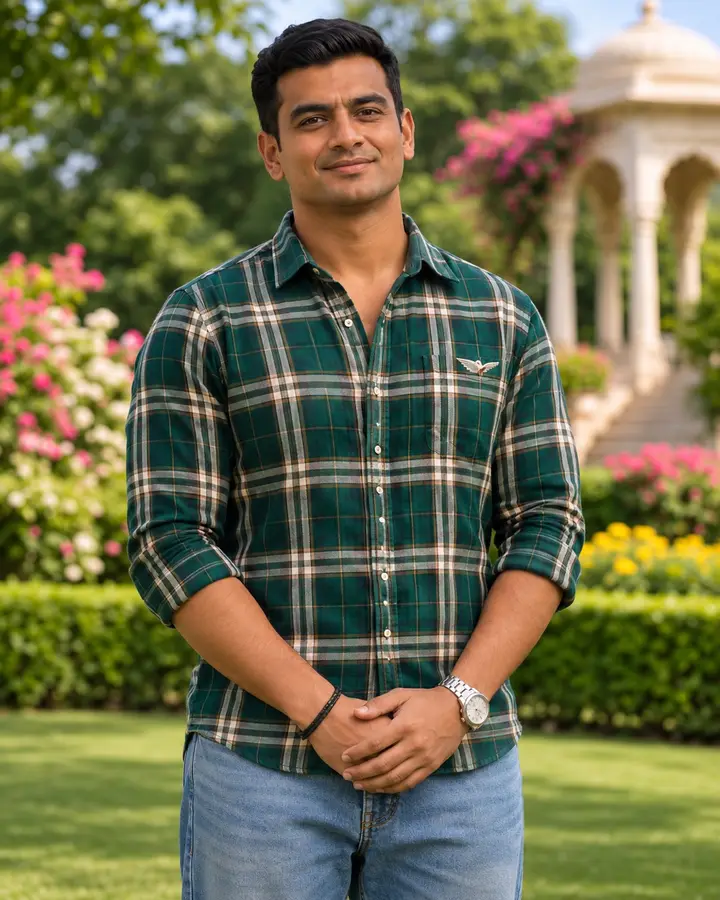
Choose one clear portrait of an adult with an evenly lit, visible face. A simple background helps keep the reference easy to understand. Avoid sunglasses, heavy beauty filters and group pictures. Use JPEG, PNG or WebP, up to 8 MB, with each side between 256 and 4096 pixels. Check the upload before continuing so you are using the person and expression you intended.
2
Step 2 — Pick an Effect
Compare the available templates and select the scene you prefer. Each preset supplies its own lion companion, outfit, lighting and pose. Some show a friendly arm across your shoulder; others keep both figures standing separately. Your upload supplies facial identity, while the template supplies the creative direction. You can change your selection before checkout without writing instructions or editing the picture yourself.
3
Step 3 — Generate and Download
Preview every template sample for free, then pay $1.99 USD to generate one image. This is a single payment, with no subscription or credit pack. Processing begins after payment is verified. Save your private order link, return to check progress and download the finished file when available. Generation time and image details can vary; the preview is a template, rather than your completed result.
You can use the studio from a phone or desktop browser. Your order list is saved in the browser you used, so keep the private link if you plan to return on another device. Order access expires after 30 days. Download your finished image promptly, and contact support with the order number if processing fails or the completed picture has a serious defect.
Photo Prompt Guides
A useful prompt describes the companion, setting, outfit, pose and lighting while asking the image tool to preserve the uploaded person’s identity. Our presets already provide that direction, so copying text is optional. Read the examples to understand each look before choosing a template. The Photo Prompt Guides page collects the full examples and links directly to each matching generator.
Palace portrait: emerald clothing, a white lion, sandstone arches and a separate standing pose.
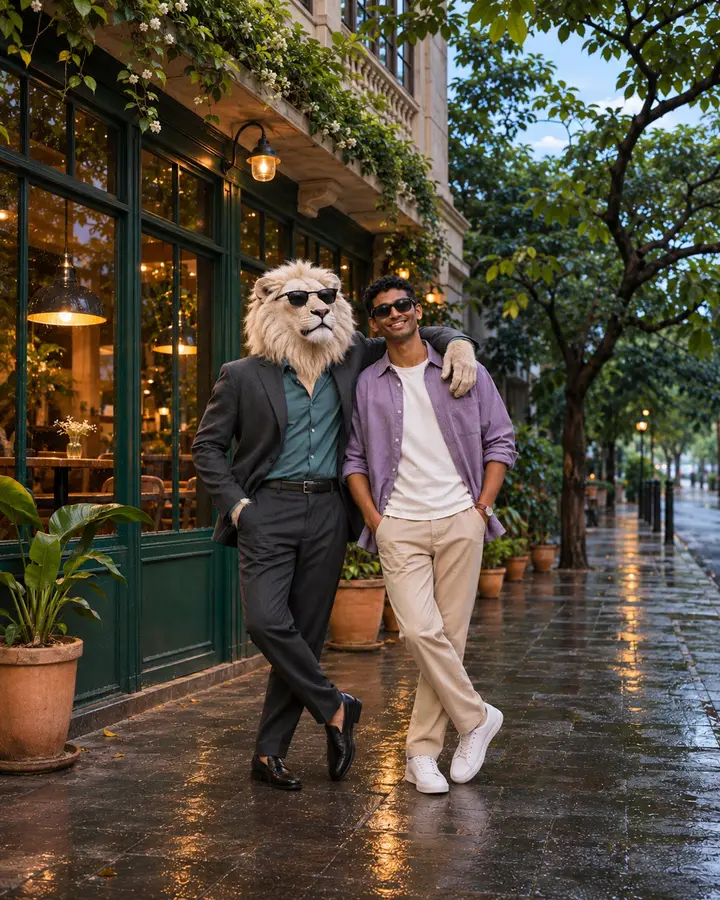
Twilight café: lavender streetwear, a white lion and warm windows after rain.
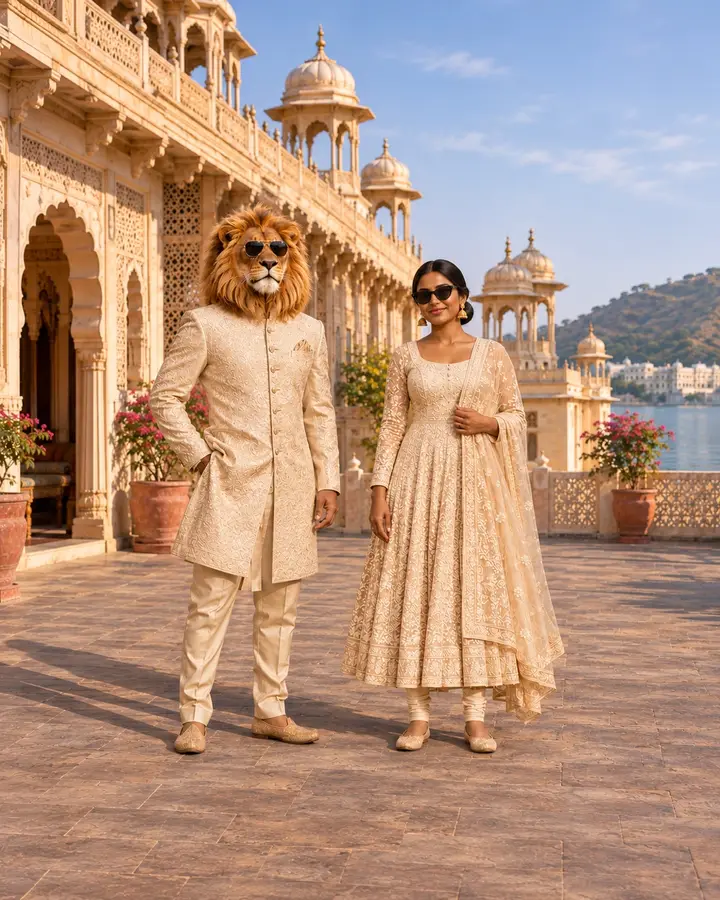
Ivory royal portrait: embroidered outfits, lakeside architecture and a separate standing pose.
Portrait Ideas
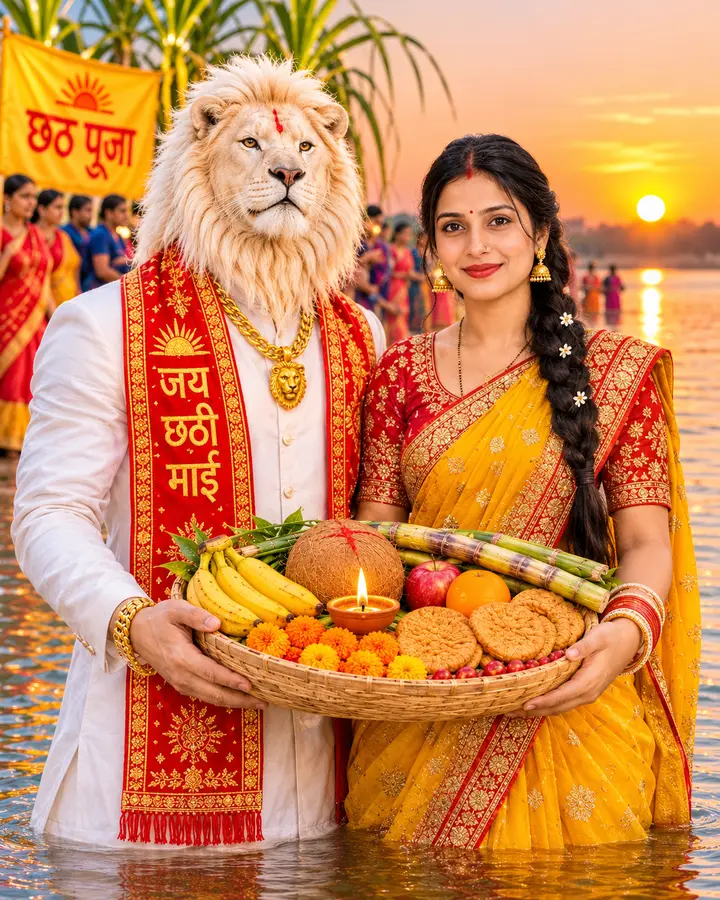
The fictional lion companion works in royal, everyday and cinematic settings. For a formal portrait, explore Sheru Bhai Photo — Ivory Royal Palace, with embroidered clothing and lakeside architecture. For a festival portrait, explore Sheru Bhai Photo — Chhath Puja, a sunset-river scene with a shared offering basket. Choose any of the templates in the studio above to see the scene your order will use.
A portrait can become a profile picture, a playful message to friends or a creative social post. Keep the intended crop in mind when choosing a scene, and review the downloaded file before sharing. The person remains human beside a separate fictional lion; this tool does not turn your face into an animal. Clothing, anatomy and facial details may vary because every finished picture is generated rather than assembled as an exact photographic cutout.
Hands, paws and the join between your body and the lion may not always blend naturally, and facial likeness can vary between attempts. We do not guarantee a perfect likeness.
Which Sheru Bhai Photo Effect Should You Choose?
Pick the lion, the outfit and the setting you want. Every preset costs the same $1.99 and keeps your face human.
Explore ready-made looks, from embroidered palace outfits to cinematic café portraits. Choose the setting, clothing and pose that fit the image you want to create. Each card shows that preset’s setting, clothing and pose; your uploaded portrait supplies the face.
Matching ivory embroidery and an elegant lakeside palace portrait.
What this tool does: you upload one photo, choose a fixed scene, pay 1.99 USD, and receive one 3:4 or 9:16 still image of yourself beside Sheru Bhai, an AI-generated fictional lion character with a human-like body, a suit and a gold chain. Sheru Bhai is not a real person. This site does not generate video, voice or music, and it is not affiliated with the social accounts that post the character. The trend became widely visible in early November 2026; who started it, and what can be verified about it, is documented on the character facts page.
FAQ
Can I see my own photo before I pay?
No. You can preview every template sample for free, but a personalized image using your own photo is generated only after payment is confirmed. The samples show the template style, not your finished result.
What is a Sheru Bhai photo?
Sheru Bhai is a fictional AI lion-boss character seen in short videos and social posts. This portrait places you beside the character in a styled scene, such as a palace, garden or café. Your face stays human.
What does Sheru Bhai mean?
“Sher” means lion in Hindi and Urdu, “Sheru” is an affectionate nickname, and “Bhai” means brother. Together, Sheru Bhai roughly means “lion brother”, the nickname used for the fictional lion-boss character.
Is Sheru Bhai a real person?
No. Sheru Bhai is a fictional AI character, not a real person or celebrity. The lion companion in these templates is AI-generated; the human identity comes from the photo you upload.
Who started the Sheru Bhai trend?
The Instagram account @digitalsheru describes itself as the creator and originator of the character. Read who started the Sheru Bhai trend and what can be verified on our character facts page.
How do I create a photo with Sheru Bhai?
Upload one clear adult portrait, choose a preset effect and pay $1.99 USD. No account or written prompt is required. Your order page shows progress and lets you download the finished 3:4 / 9:16 portrait.
Will my face turn into a lion?
No. Your face stays human. Your uploaded portrait supplies the human identity, while the selected template supplies the separate lion companion, clothing, scene and pose. AI-generated facial details may vary.
Does this generator make a photo or a video?
This generator creates one still portrait with a 3:4 / 9:16 aspect ratio. It does not include video, animation, music or dialogue. You can download the finished photo and share it on social media.
How much does one photo cost?
Each generation costs $1.99 USD for one image. There is no subscription or credit pack. Your bank may convert the USD charge to your local currency.
Does retrying cost extra?
Yes. Each generation is a separate $1.99 payment. If a generation fails technically, an automatic refund is requested. If you dislike the result but the image generated correctly, a new attempt is a new payment.
What kind of photo works best?
Use a clear, well-lit JPEG, PNG or WebP photo of one adult, with a visible face. Keep the image between 256 and 4096 pixels on each side, up to 8 MB. Avoid sunglasses, heavy filters and group photos.
Can I leave while my image is generating?
Yes. Generation runs asynchronously. Save your private order link or use My creations on the same browser to return and check progress. Keep the link private: it is the key to your order.
What if generation fails?
If generation fails after payment, an automatic refund is requested to your original payment method. The order page shows the refund status. Bank processing times vary. Contact support with your order number if you need help.
Is this tool affiliated with Sheru Bhai creators?
No. This is an independent creative tool. It is not affiliated with or endorsed by Sheru Bhai video creators, channels or social platforms.
Can I use my Sheru Bhai photo as a WhatsApp DP or Instagram profile picture?
Yes. Every generated file is a 3:4 or 9:16 portrait that is ready to post on social media. Crop it to a square for a WhatsApp or Instagram profile picture, or keep the full frame for a feed post.
Do I need an account or a written prompt to make one?
No. There is no account and no written prompt. You upload one photo, choose a preset effect, and pay $1.99 USD for one image. The preset supplies the scene, clothing and pose.
Can I use the generated image commercially?
The Terms of Service let you download and share your result, subject to applicable law and third-party rights. AI-generated elements may not qualify for copyright protection, so check your own use case before publishing commercially.
Is "sheru bhai ka photo" the same thing as a Sheru Bhai photo?
Yes. "ka", "ki" and "ke" are Hindi possessive forms, so these three phrasings all describe the same request. You upload one photo, pick a preset and pay $1.99 USD for one 3:4 or 9:16 vertical portrait.
We use cookies to improve your experience, analyze site usage and support our marketing. You can accept or reject non-essential cookies; essential cookies needed for sign-in always stay on.